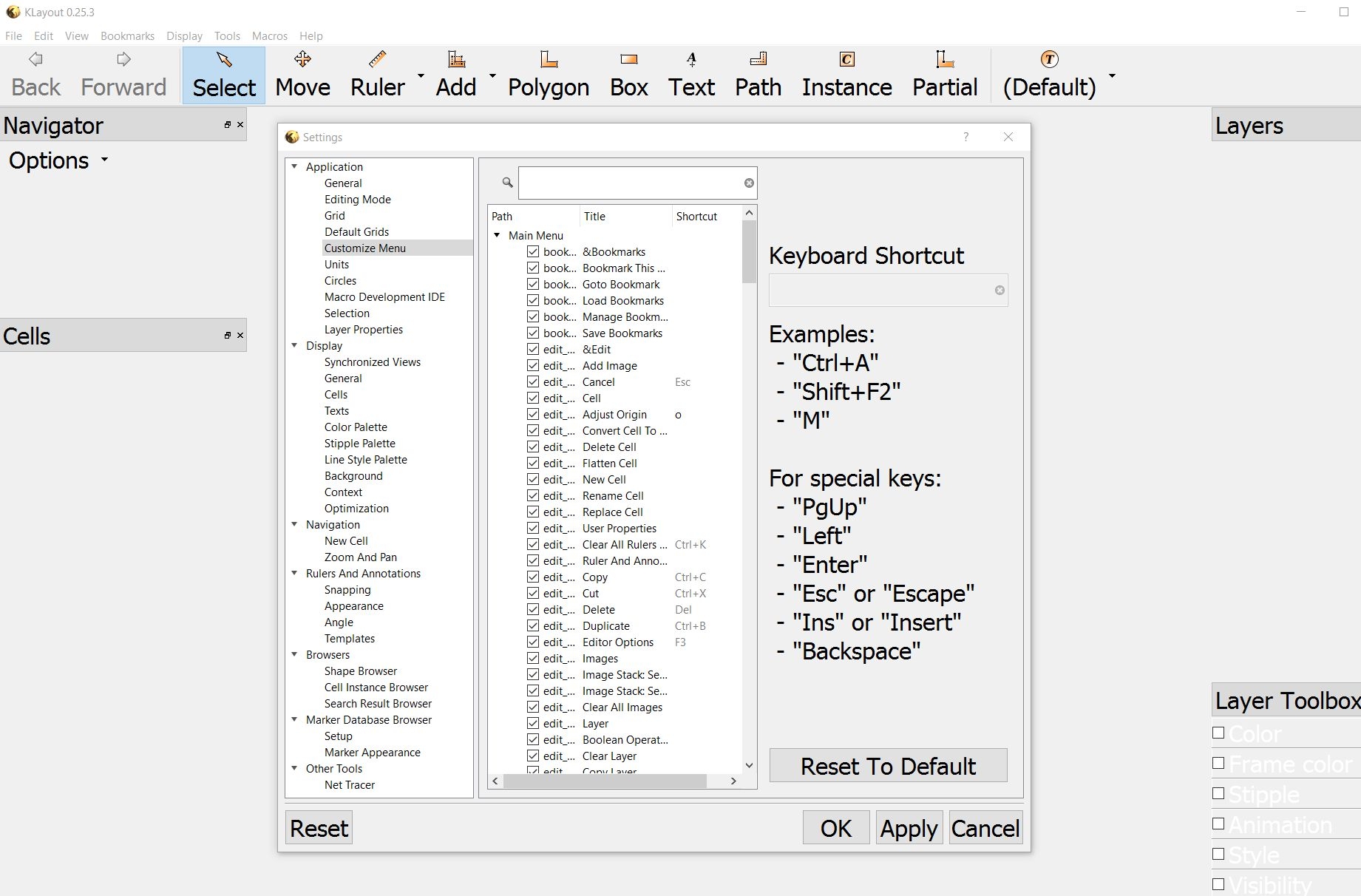
Ok, This is a dumb question. Somehow I changed the size of the fonts in the menu item, layer list items, Navigator... The normal windows menu text is unchanged.
Not sure how to get it back down to a reasonable size. Any suggestions?
Hi,
I had a similar problem in my settings. I use Klayout in Windows. The solution for me was to create qt.conf file where Klayout_app.exe was installed

Comments
Frankly, I don't know. That's Linux isn't it?
KLayout does not deal with font sizes. I leave this to Qt and it's style engine. Maybe you tweaked the Gnome or Qt settings?
Matthias
Hi,
I had a similar problem in my settings. I use Klayout in Windows. The solution for me was to create qt.conf file where Klayout_app.exe was installed
"qt.conf" file contents:
=============-
ini
[Fonts]
PointSize=10